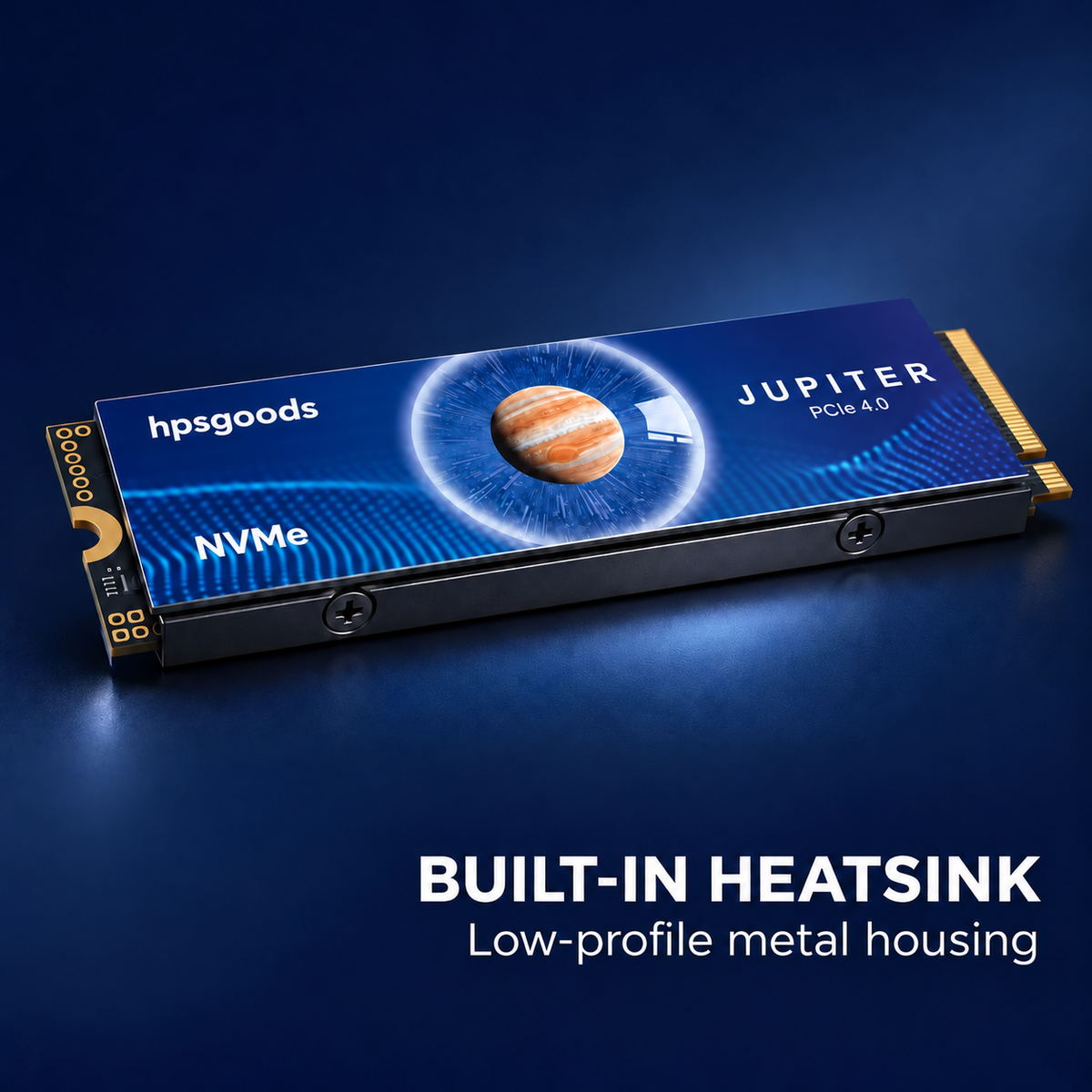
⚡ Jupiter PCIe 4.0 NVMe M.2 SSD with Heatsink
⚡ Jupiter PCIe 4.0 NVMe M.2 SSD with Heatsink
BUNDLE & SAVE
Couldn't load pickup availability
-
Ordered
- - -
Order Ready
- - -
Delivered

⚡ Jupiter PCIe 4.0 NVMe M.2 SSD with Heatsink
Jupiter NVMe SSD
More room.
More possibilities.
Your next game. Your next big project. Make space for both with a PCIe 4.0 ×4 NVMe SSD featuring a built-in heatsink.

- ⚡ PCIe 4.0 ×4 NVMe
- 🛠️ Integrated heatsink
- 💾 M.2 2280 format
Space for what matters
Keep your favorites ready to go.
When storage fills up, every new download becomes a decision. Give your games, captures and working files more room, so you can spend less time deciding what to delete.
- Keep more of your game library installed.
- Make room for active projects and media files.
- Connect through a compatible PCIe NVMe M.2 slot.

Built-in cooling
A heatsink.
Already fitted.
The integrated black metal heatsink helps move heat away from the drive, with cooling built directly into the design.
Check the complete drive dimensions against your device’s available clearance before installation.
Planning a PS5 storage upgrade?
Make space for your next adventure.
A supported M.2 SSD can expand your PS5 game library and let you play games directly from the added storage.

Check before ordering: PS5 compatibility depends on the exact drive’s capacity, performance and overall dimensions, including the heatsink. PCIe 4.0 and M.2 2280 alone do not confirm compatibility. Compare the selected model’s specifications with Sony’s current M.2 SSD requirements.
For your desktop setup
A home for your games.
And everything you create.
From game captures to creative projects, keep the files you use together on one internal drive. Designed for desktop systems with a compatible M.2 2280 PCIe NVMe slot and enough heatsink clearance.

Choose your capacity
Think beyond today’s downloads.
Start with the games and files you want to keep. Then allow extra space for updates, recordings and whatever comes next. Select your preferred capacity from the product options.

Fit & installation
A few checks. A better fit.
- Confirm the slot. Check your device manual for PCIe NVMe M-key support and an M.2 2280 mounting position.
- Check heatsink clearance. The 2280 designation describes the 22 × 80 mm board, not the complete heatsink housing. Check the overall drive dimensions too.
- Install using your device guide. Power off and unplug the device first. Follow its installation and storage setup instructions. Formatting erases data on the drive being formatted.

Before you upgrade
Your questions, answered.
Will this fit any M.2 slot?
No. Your device needs a compatible PCIe NVMe M-key slot with an M.2 2280 mounting point and enough space for the heatsink. An M.2 SATA-only slot is not suitable.
Can I use it in a PS5?
Confirm the exact model’s specifications first. It must meet Sony’s M.2 SSD requirements for interface, capacity, performance and dimensions with the heatsink fitted. The information on this page alone does not establish PS5 compatibility.
Do I need to buy a separate heatsink?
This drive includes a built-in heatsink. Check that the fitted housing clears your device’s expansion bay or surrounding components.
Why does the usable capacity look smaller?
Storage manufacturers and operating systems may use different units to report capacity. Formatting and system files can also reduce the available space shown.
Is this an external USB drive?
No. This is an internal M.2 NVMe SSD for installation in a compatible device.
Your next storage upgrade
Keep more of what you love.
Check your device compatibility, choose your capacity and make room for what’s next.